
 Daniel J Sait
This SRND Group guide covers the purpose, range and key considerations for selecting a projector mount or mirror, to help installers decide which option suits a cinema design.
Why Use a Projector Mount or Mirror?
Projectors are often large, bulky and a source of unwanted heat and noise. Mounts and mirrors move them away from users, cut their intrusion into usable room space, hide them from view, and support wider heat and noise management.
Projector Placement
A rough idea of location (ceiling, rear wall, adjoining room, elsewhere) helps, though this guide may reveal further options worth considering.
Projector Specification
Knowing the projector model in advance is useful but not essential.
Lens Options
Check the maximum and minimum throw distances of available lenses.
Weight
Weight affects which brackets can be used and what the mounting surface can support; extra support such as joinery may be needed.
Size
Factor in the projector and lens dimensions alongside the mount size to confirm adequate space.
Ventilation
Allow the manufacturer’s required clearance for exhaust air, plus space for any air movement system.
Attachment Points
Confirm the layout, spacing and compatibility of the projector’s mounting feet against the mount.
Rotation
Establish whether the projector can be rotated, and on which axis.
Mount and Mirror Options
Ceiling Mounts
Suspended shelves, boxes, poles or plates position the projector near ceiling height, often above seating.
Pros: wide choice, easy install, budget friendly, fit most rooms. Cons: can unsettle clients psychologically, reduce usable ceiling height, leave the projector visible, may require upside-down mounting.
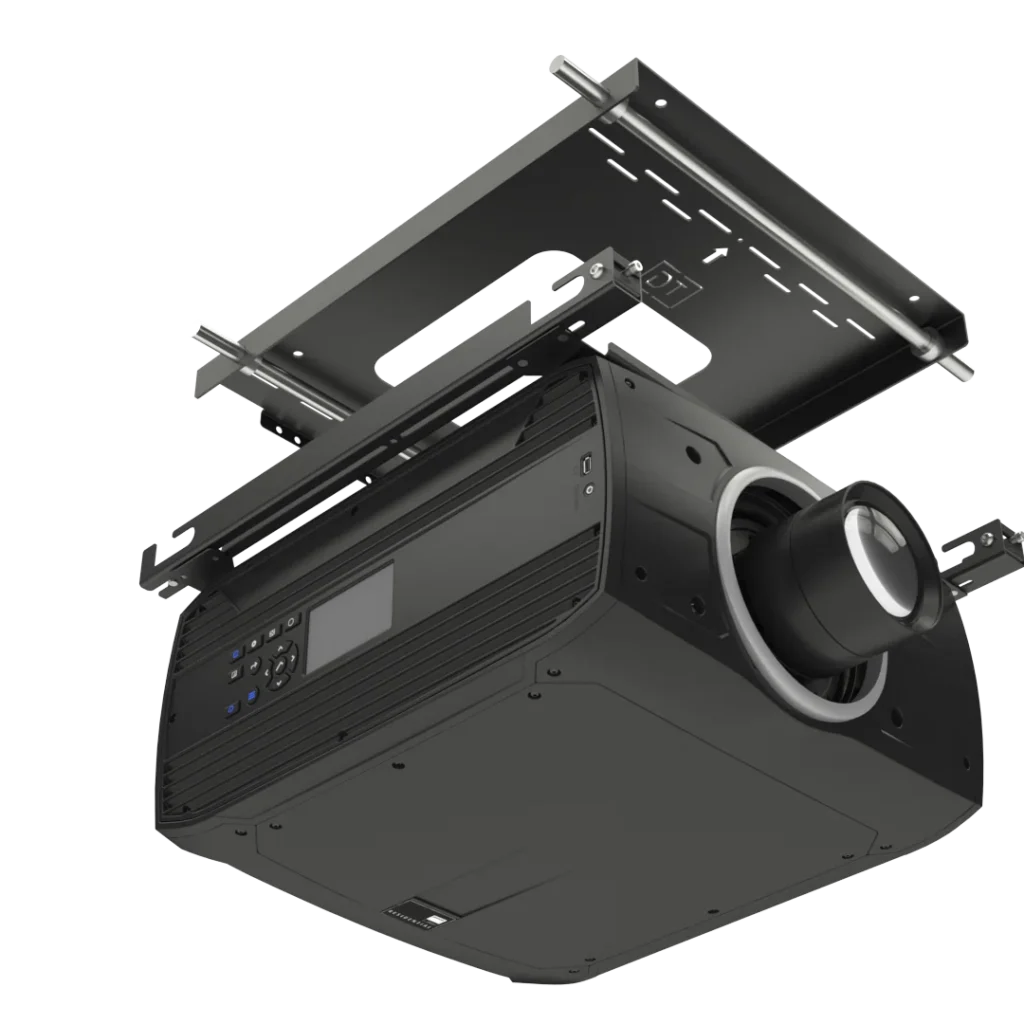
Display Technologies Ceiling Mount: two interlocking plates, one on the ceiling and one on the projector, give an ultra-low-profile, secure-looking, easy install. Available in standard and XL.
Projector Lifts
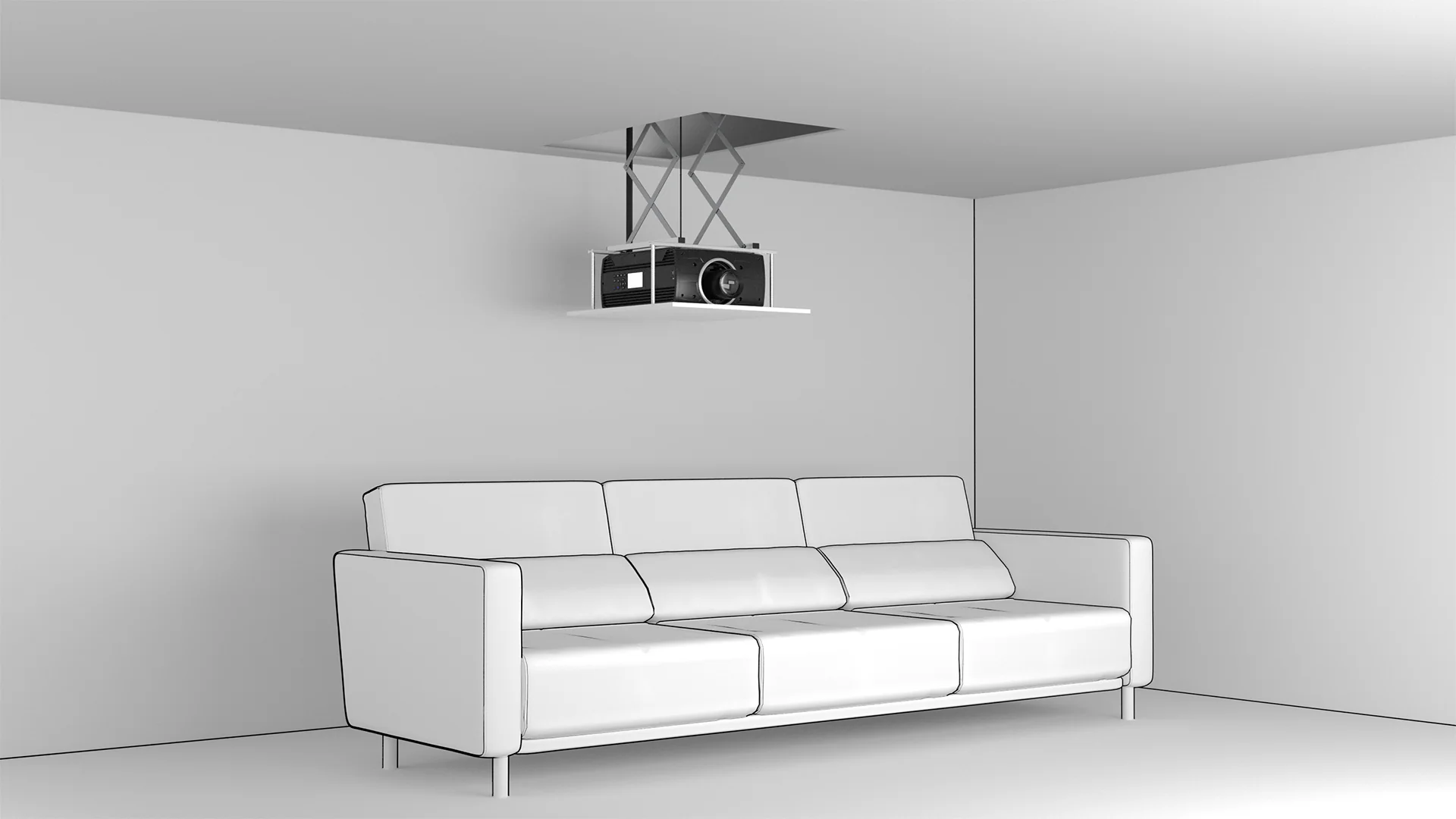
The projector sits in a ceiling box that lowers into view when needed, using motors, scissor arms and safety cables.
Pros: hidden when not in use, less intrusive than some ceiling mounts. Cons: industrial look when deployed, redundant in single-purpose rooms since the projector shows exactly when the room is used, can unsettle clients, needs generous ceiling space, suits only smaller projectors.
SRND does not manufacture or distribute lifts, as we don’t believe they solve the problems they target.
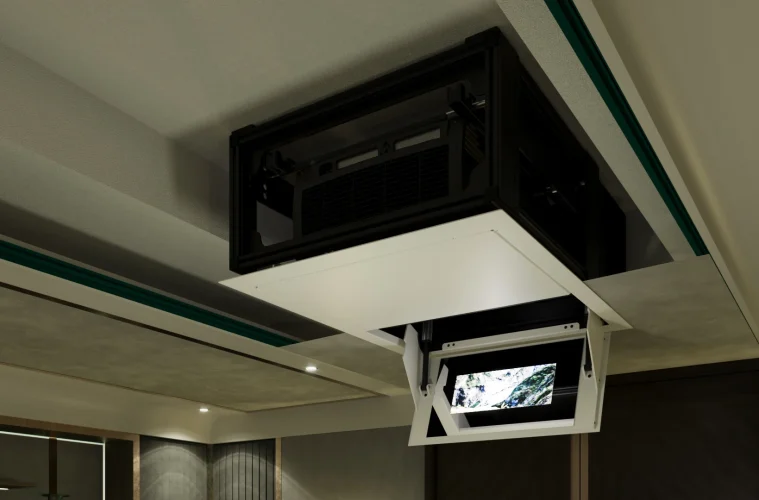
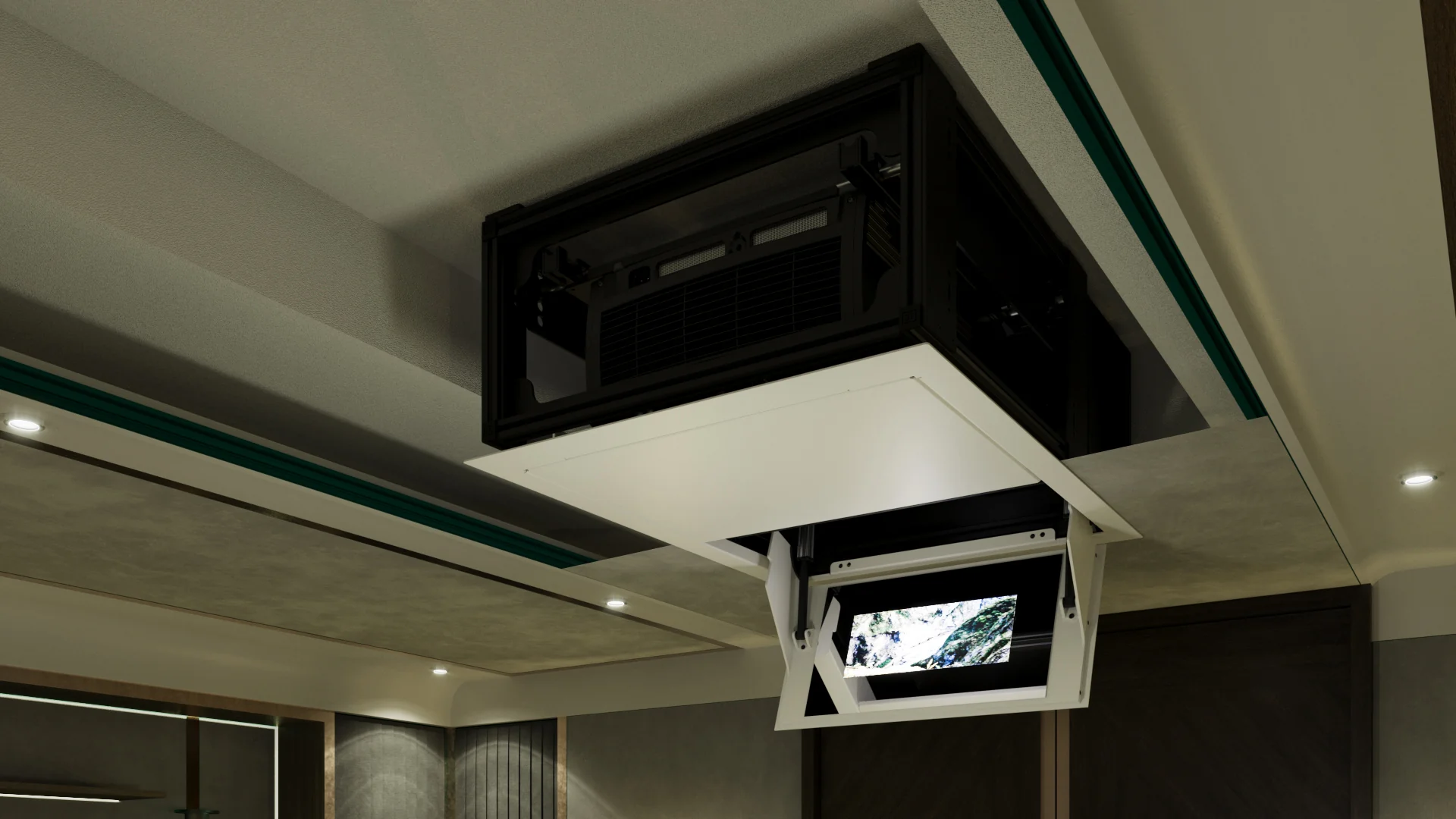
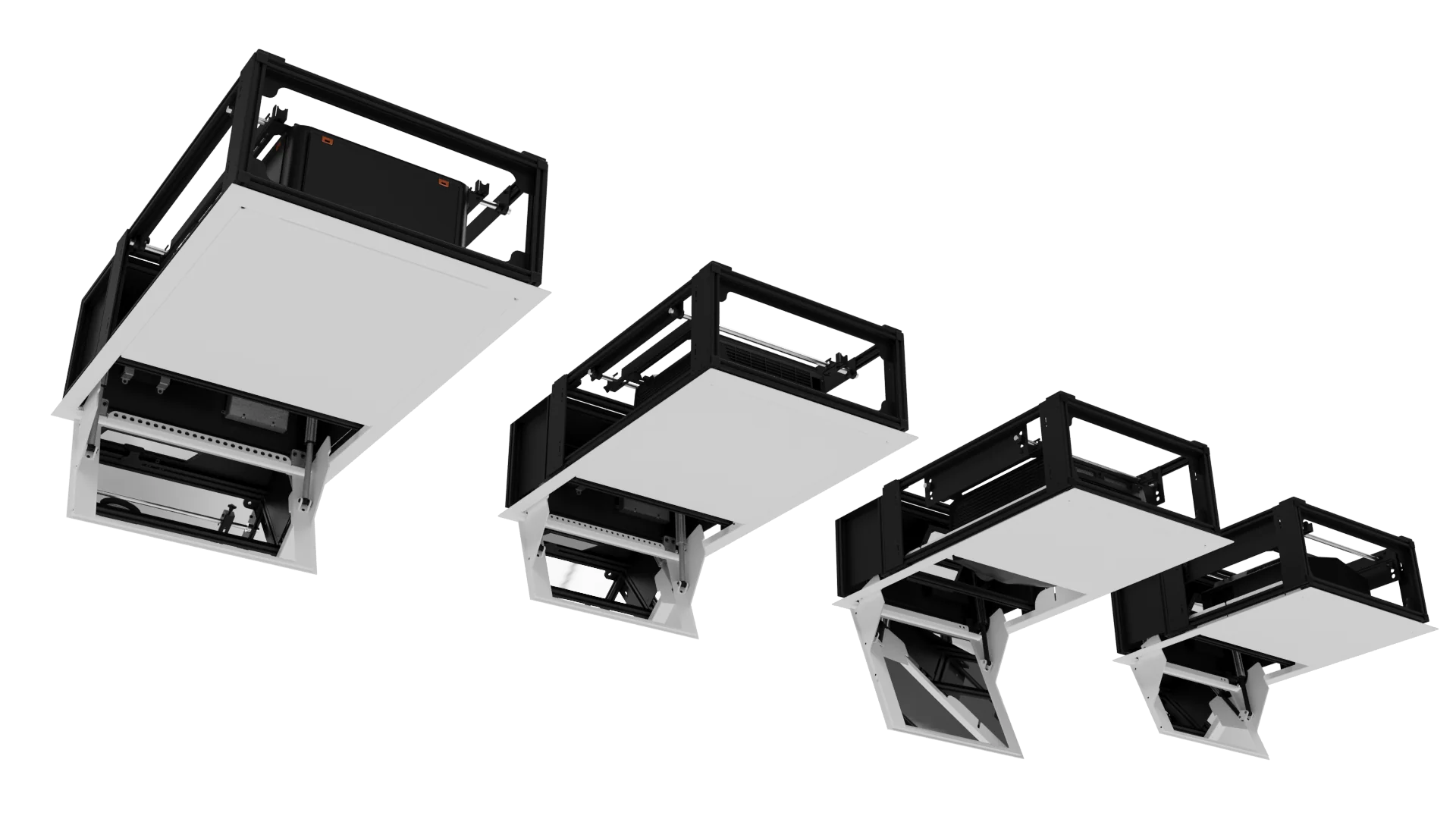
Display Technologies Motorised Mirror Drop (DT-MMD): stays in the ceiling cavity at all times, visible only for install, calibration and maintenance. Twin mirrors, one fixed and one on a motorised panel, reflect the image from a rearward-facing projector onto the screen. Only a rectangular base panel shows, powder coated to match the interior with a built-in access hatch. Available in Small, Standard, Large and Short Throw.
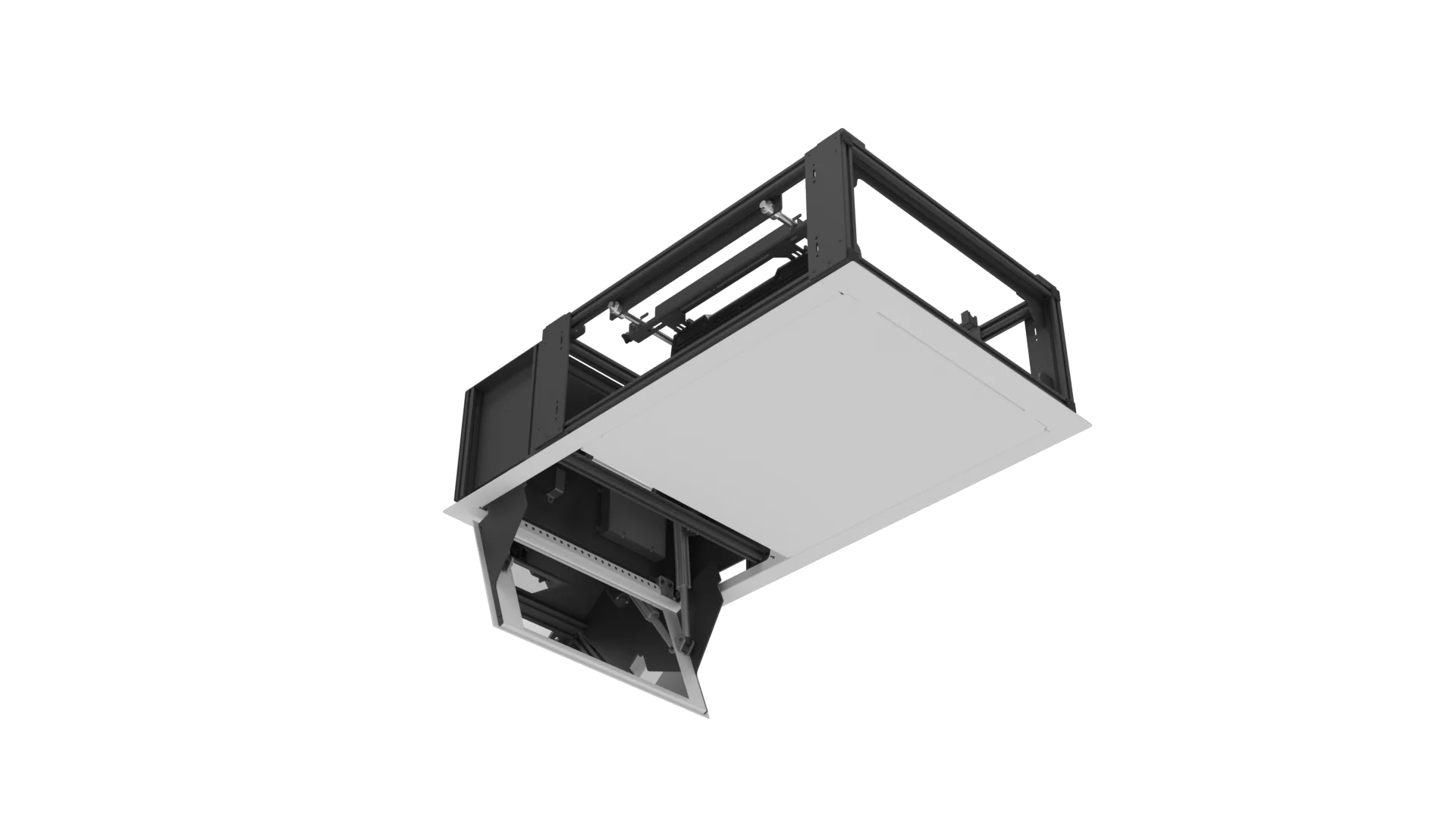
Pros: projector always hidden, sleek colour-matched profile, less intrusive, wide range of sizes and positions. Cons: needs adequate ceiling cavity space and ventilation.
Wall Mounted Shelves and Arms
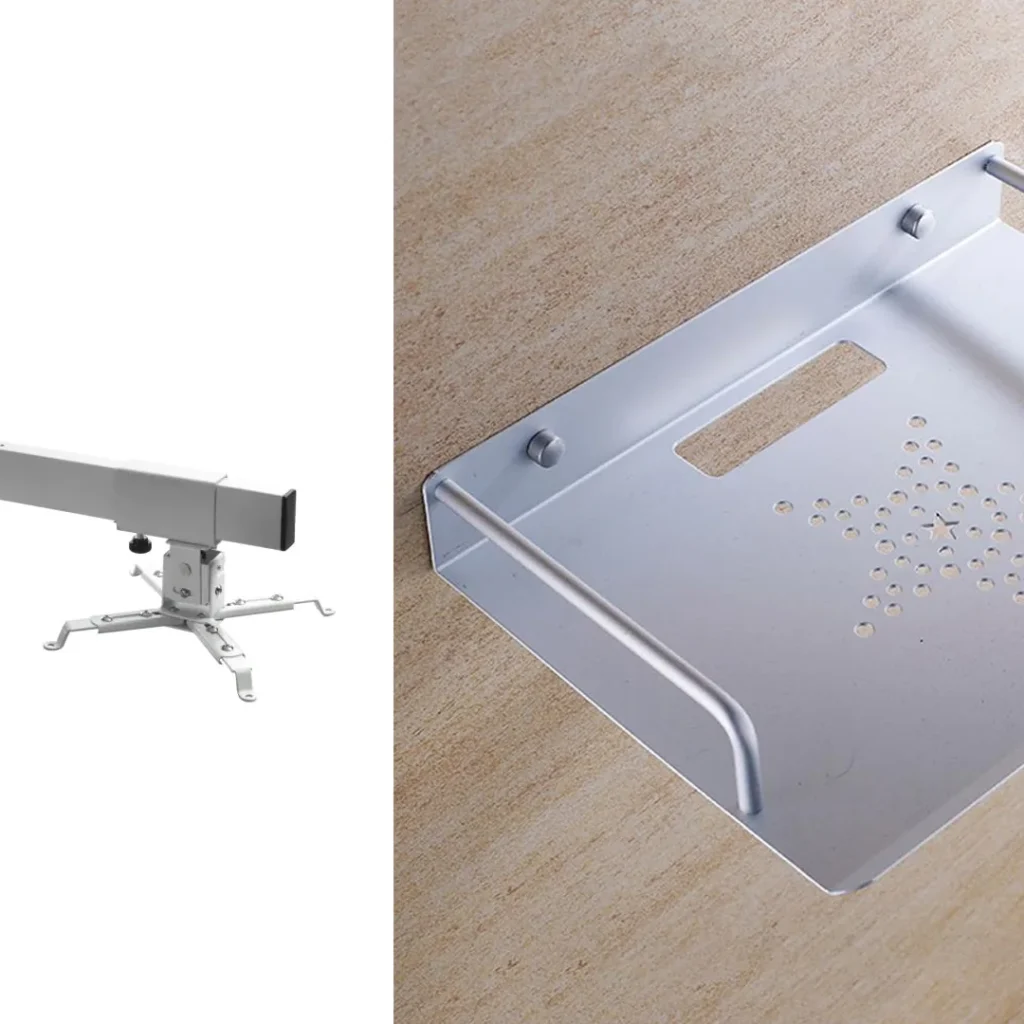
These fix smaller, lighter projectors flat to a wall, common in offices and classrooms. The 90-degree bracket angle strains wall fixings more as size and weight increase.
Pros: easy install, minimal footprint. Cons: limited to small, light projectors; projector stays visible.
SRND doesn’t offer this type, as it sits outside our focus on premium entertainment spaces.
Display Technologies Vertical Mirror Mount (DT-VMM)
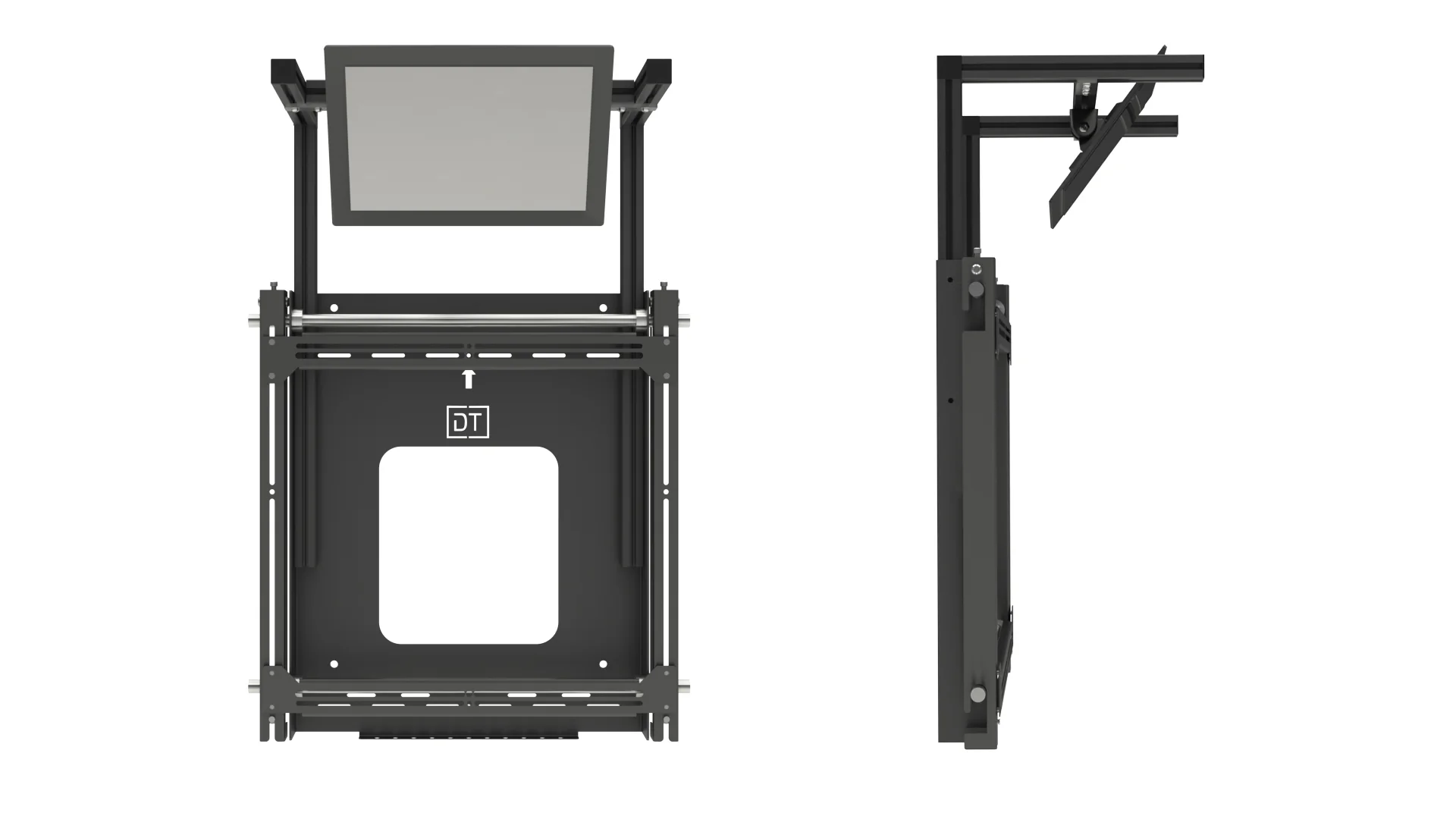
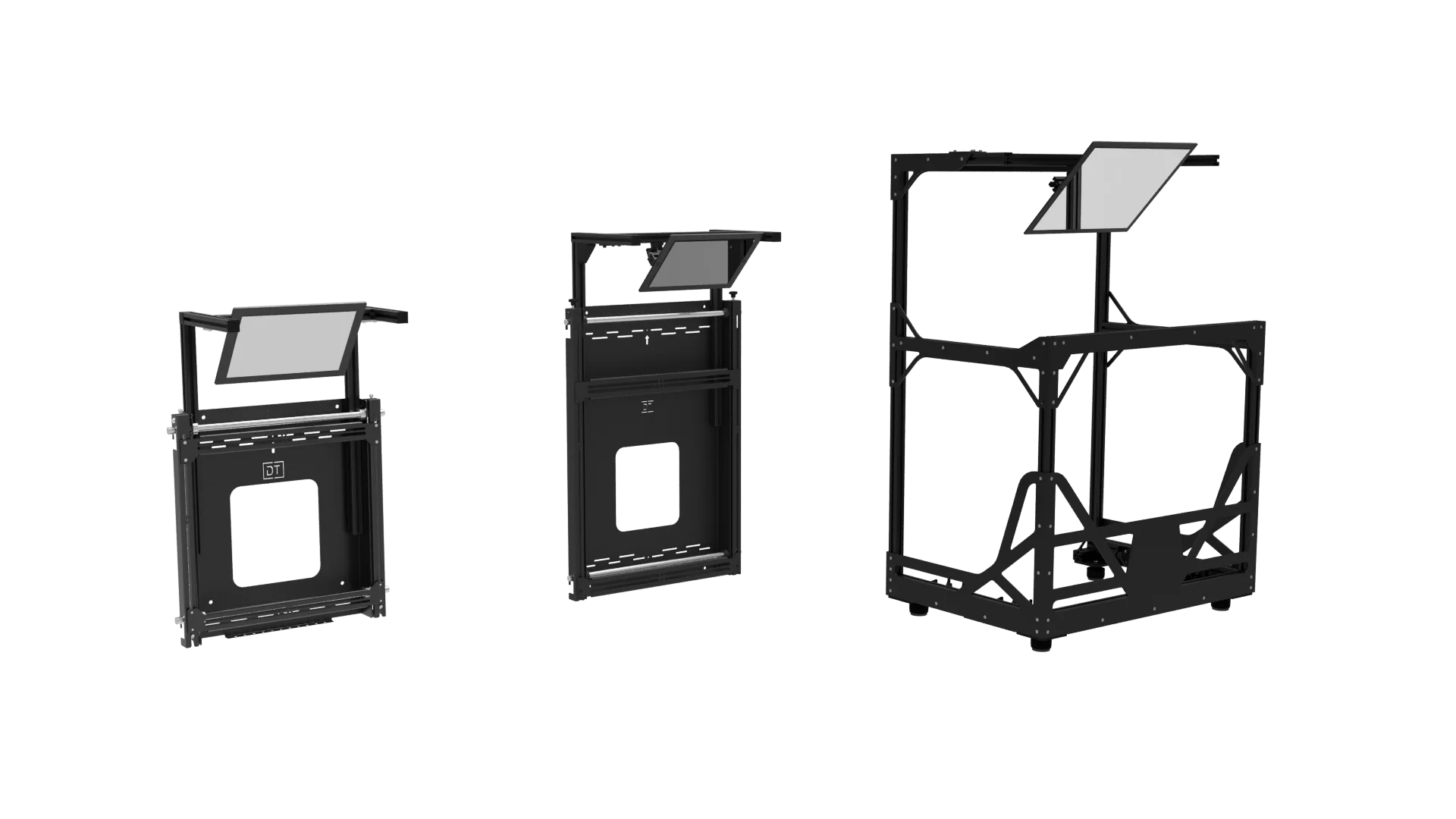
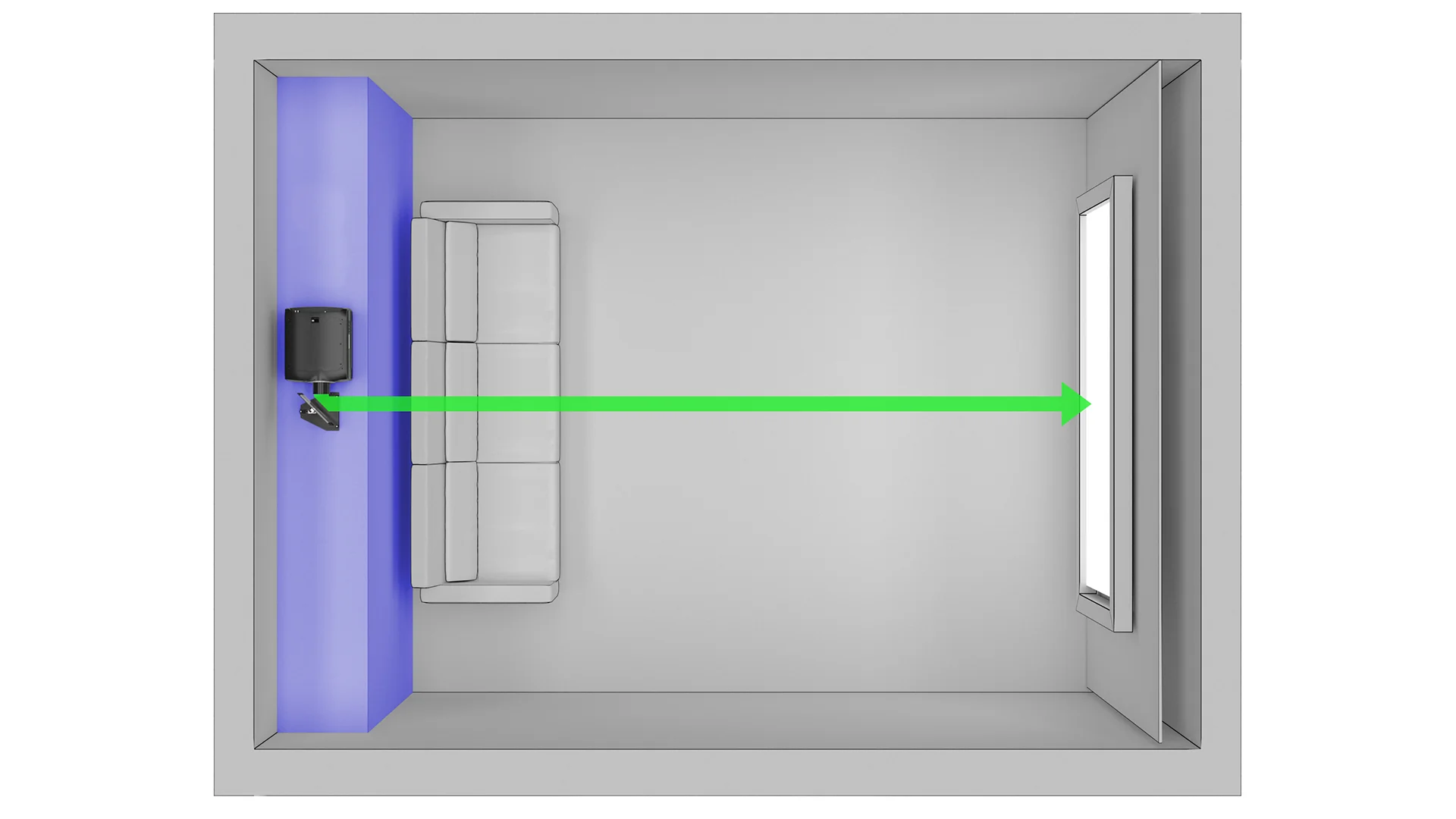
Mounts the projector vertically at the rear of the room, with a 45-degree mirror reflecting the image to the screen, saving space along the room’s length. Two interlocking plates, one on the projector and one on the wall-mounted mirror, allow precise, flippable alignment. Good for converting a small adjoining space into a projector booth, and typically no deeper than a subwoofer’s footprint. Available in standard, XL and XXL.
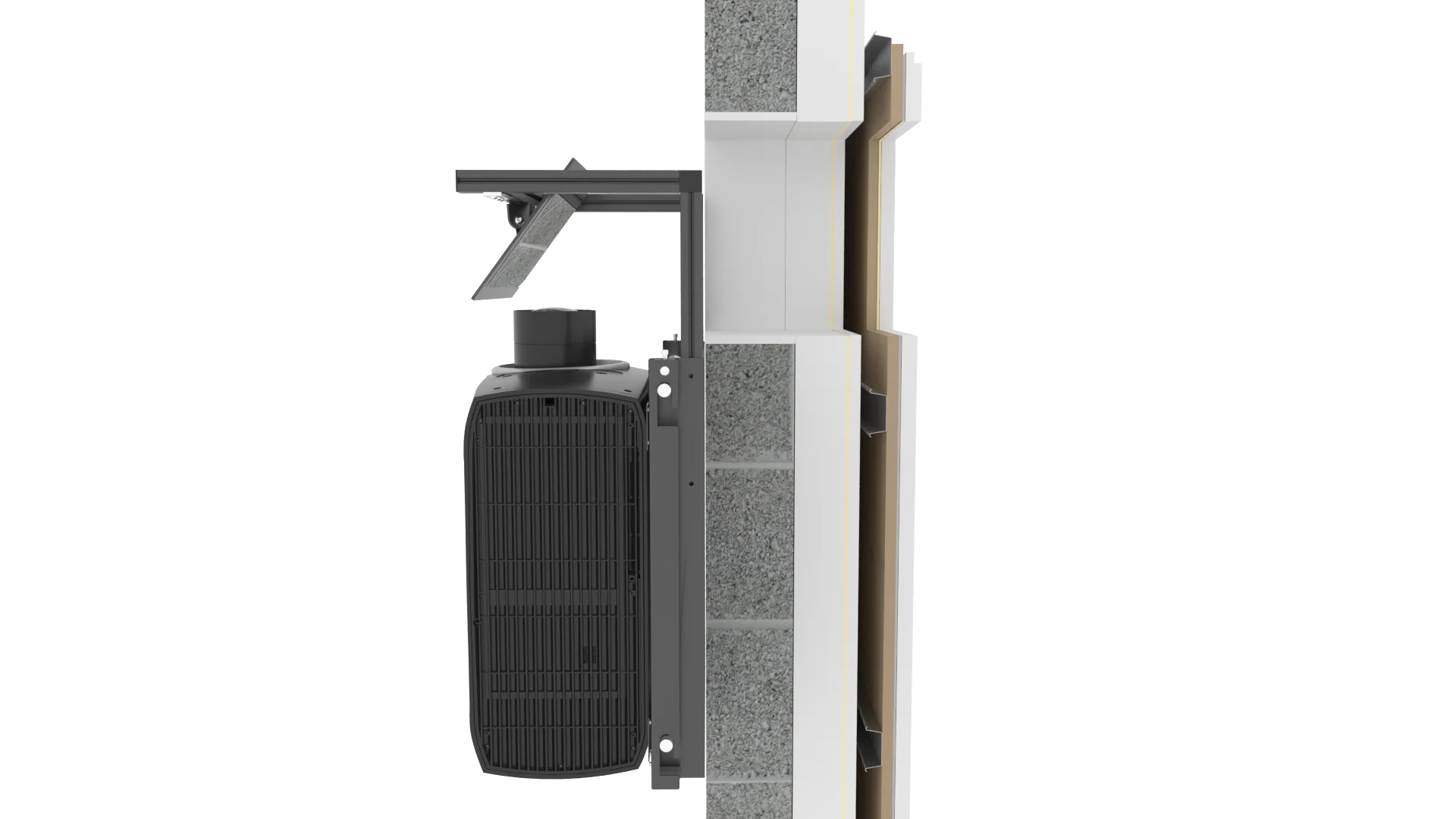
Pros: increases usable room space, easy install, fits most layouts, multiple sizes. Cons: projector visible by default, needs ventilation if enclosed, projector must support vertical mounting.
Projector Platforms
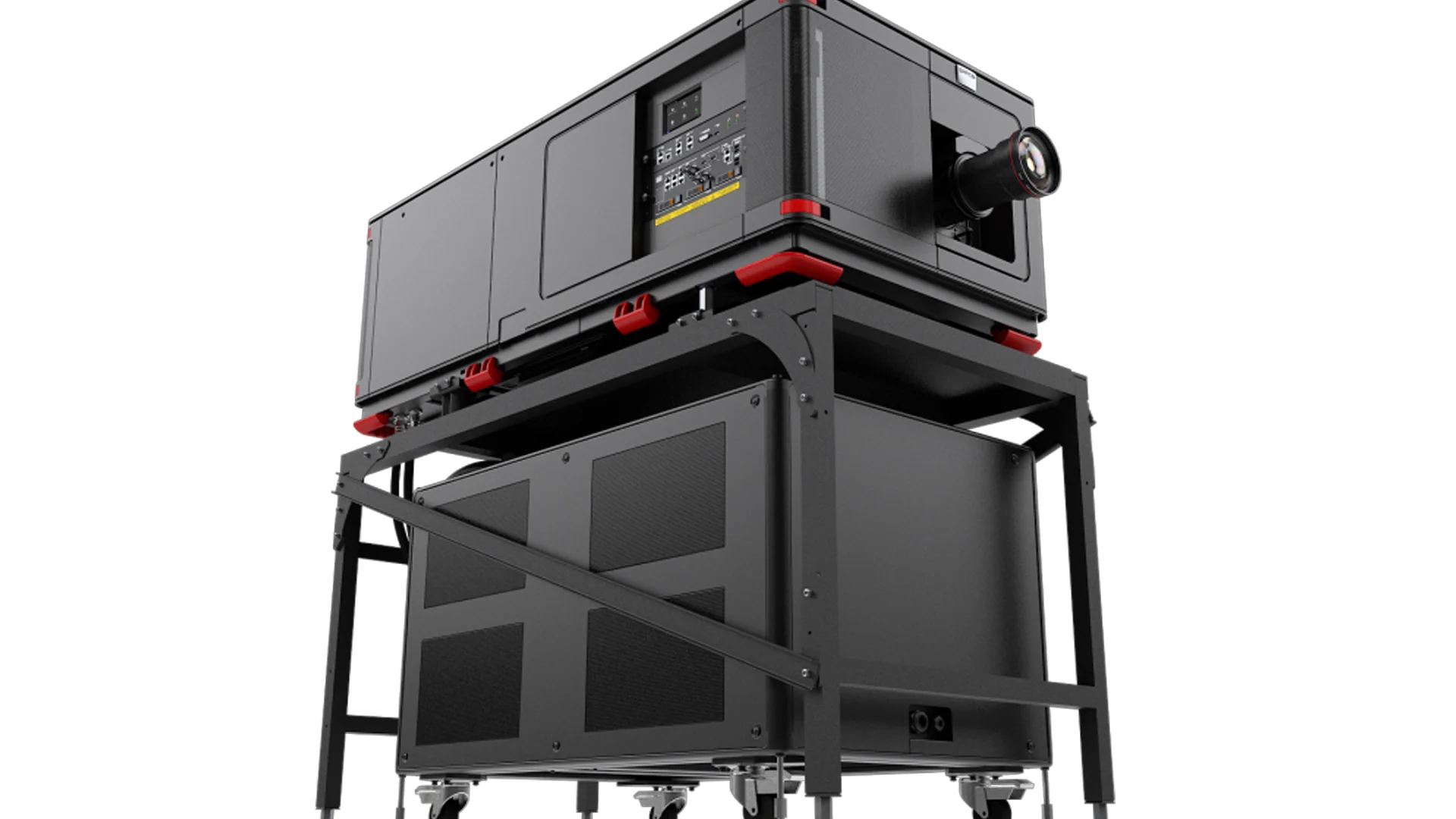
Freestanding structures, mainly for dedicated projector rooms, that elevate and securely hold larger projectors. Bespoke to the projector and room rather than off the shelf.
Pros: safe and secure for large projectors, easy install, good maintenance access. Cons: suited only to separate rooms or purpose-built booths, bulky.
SRND has no dedicated platform product, but the Display Technologies Screen Walls system can create bespoke solutions.
Display Technologies Side Mirror
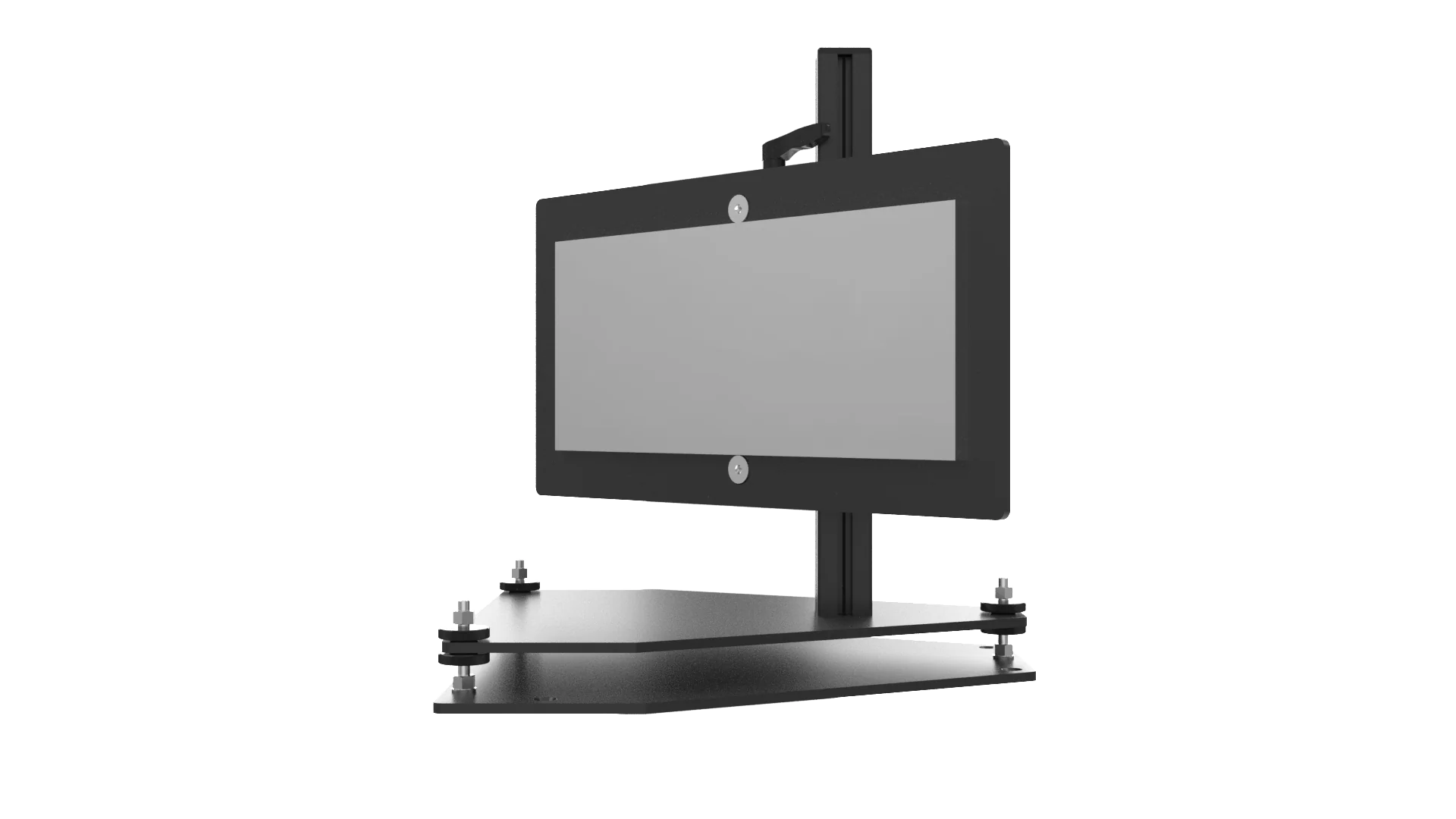
Suits setups where the projector sits perpendicular to the screen, useful for working around architectural features or saving space. Mounted at 45 degrees to projector and screen with adjustable alignment, fixable to ceilings, walls or flat surfaces. Available in standard and XL.
Pros: expands placement and alignment options, easy install, simple to adjust. Cons: unsightly if installed outside a booth.
Further Help
If still unsure which mount or arrangement suits your project, contact SRND Group for guidance. Full specifications for Display Technologies Mounts and Mirrors are available in the dedicated section of the SRND store.