




Those with good memories will recall we took a look at the M6 when it was newly released. This time, we put the enhanced Netgear Nighthawk M7 Pro 5G through its paces. EI Editor Daniel J Sait delivers his assessment.
With installers and other industry professionals often finding themselves in locations where signal can be an issue—at events or on-site, for instance—a reliable mobile connectivity option can be a real boon. Enter the Netgear Nighthawk M7 Pro 5G, the maker’s latest and top-of-the-range model.
Getting started with the Nighthawk M7 Pro is straightforward. The device charges via its built-in USB-C port, which also supports power delivery. This means that if multiple users are connected simultaneously—something that can drain the battery faster—you can plug in external power and keep it running. Once charged, a data SIM is required. I use a Vodafone data-only SIM as my weapon of choice, but obviously any similar solution will work. SIM inserted, there are a few additional setup steps, including downloading the Netgear mobile app, connecting to the router, and creating a Wi-Fi name and password. After that, any Wi-Fi-enabled device, from laptops to smartphones, can connect, instantly giving you a portable Wi-Fi hub.
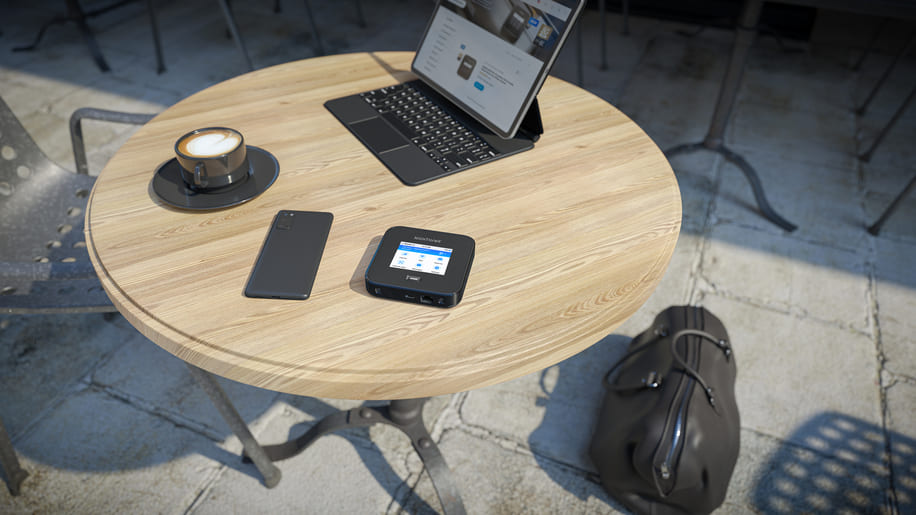
So why not just tether via my phone for any additional connectivity? Fair question. Using a dedicated mobile router has advantages over tethering through a phone. It conserves your phone battery and delivers faster, more consistent speeds. Connecting via USB-C or Ethernet also boosts performance, even in areas with weaker mobile signals. On the same network, the M7 Pro frequently showed one or two extra bars of 5G signal strength compared with a mobile phone, and data transfer rates were higher. Securing a private connection in a city without using public Wi-Fi, or working outdoors with colleagues, the device really comes in handy. The built-in Ethernet port also lets you set up a wired network on the go—a good solution for collaborative work off-site.
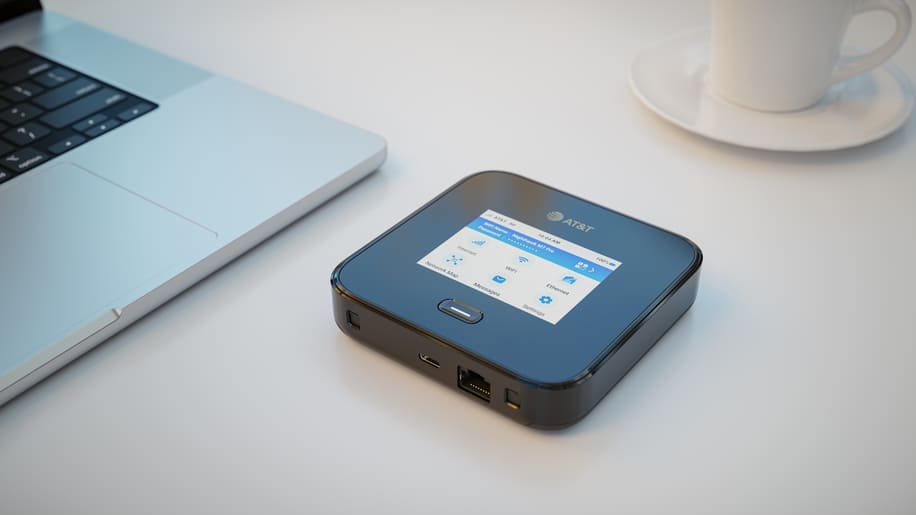
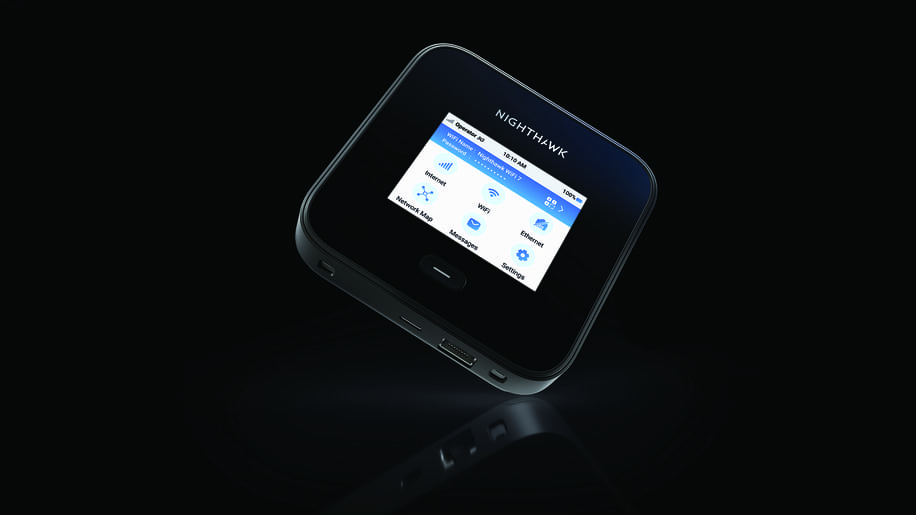
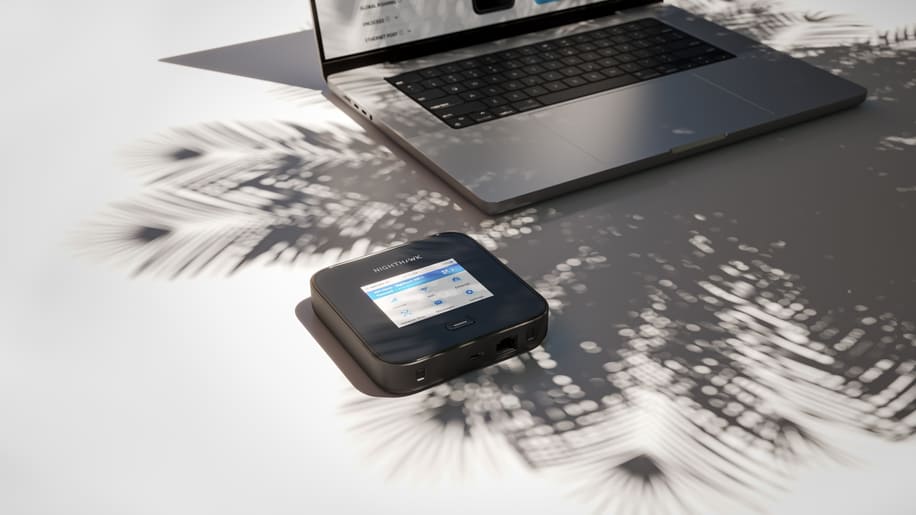
The large LCD touchscreen on the M7 Pro makes managing settings simple. From here, you can adjust Internet, Wi-Fi and Ethernet options, check network status and view mobile messages. Ports include USB-C for charging and data transfer, and a LAN port for wired connections. Optional 5G antennas can be attached to boost signal in weaker areas, though these are sold separately.
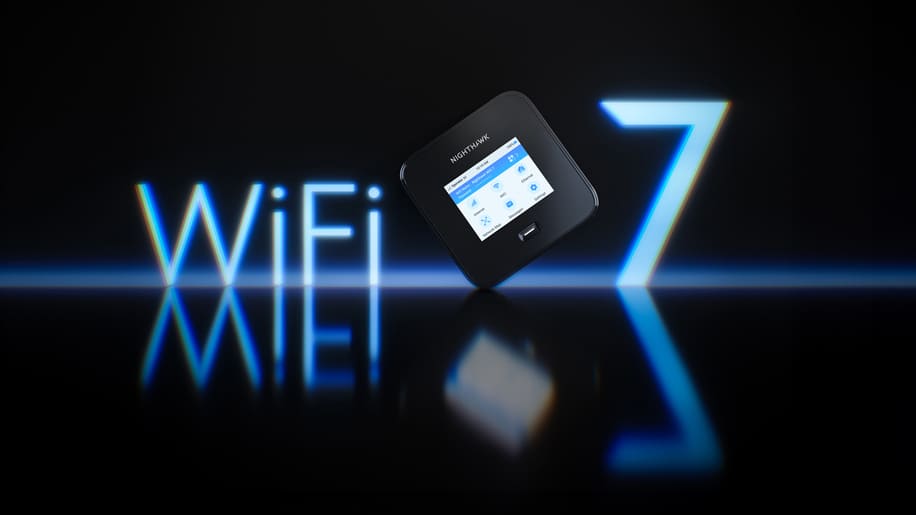
The device supports Wi-Fi 7, a 6 GHz band, and can handle up to 64 connected devices at once. Its range reaches up to 1,000 sq ft, so you don’t need to stay close to the router or carry it around with you. The front LCD displays data usage, remaining allowance, connection type and connected devices, with quick access to Wi-Fi credentials. Features like Wi-Fi offloading, Ethernet backup, guest networks and network mapping are all included, and the interface is intuitive and easy to navigate.

REAL-WORLD WORKOUT
Over the past couple of months, I’ve put the Netgear portable Wi-Fi to the test in some of the most challenging connectivity scenarios I could find, and it has consistently delivered. For anyone who relies on staying connected for both work and leisure, this is the kind of reliability that quickly becomes indispensable.
A notorious black spot on the A23 just outside Brighton is often an annoyance. A regular off-route for me to get around the country, every other device has struggled to maintain a signal in this area, but the M7 kept me connected, allowing work calls and music via my Tidal account to flow uninterrupted. Back at my home office, where music delivery had been patchy and frustrating of late, it smoothed everything out seamlessly. Songs streamed flawlessly and work sessions became noticeably less stressful, removing the usual anxiety of buffering interruptions.
Even when out walking close to home on the South Downs in Sussex, a place infamous for flaky connections, the portable Wi-Fi kept me reliably in contact. From calls to messaging, I didn’t have to worry about losing signal, even over longer stretches of open countryside. This was a really nice addition to the day, allowing a long relaxing walk without checking for dropped connections, safe in the knowledge that people could contact me if needed.
Perhaps the ultimate test came during a recent trip to the Cairngorms in Scotland in my motorhome. The weather was wild, including a full-on storm, yet the device held its ground. Even amid howling wind and heavy rain, it kept me connected throughout my adventures, letting me work, stay in touch and share moments without frustration.
The M7 is not the cheapest option on the market, but for those who need dependable connectivity wherever they go—what Netgear describes as ‘digital nomads’—it’s worth the investment for work and play. Over weeks of testing in notoriously difficult locations and unpredictable conditions, it proved itself not just capable but consistently reliable. For anyone who can’t afford to be, or does not want to be, offline, this device delivers exactly what it promises.
Technical Specs
- 5G Band: Sub-6
- Max 5G Speeds: 6 Gbps
- WiFi technology: WiFi 7
- Max WiFi Speed: 5.8 Gbps
- Wired Port: 2.5 Gbps (Ethernet), 10 Gbps, (USB-C)
- International Roaming: 125+ countries
- LCD screen: 2.8” colour touchscreen